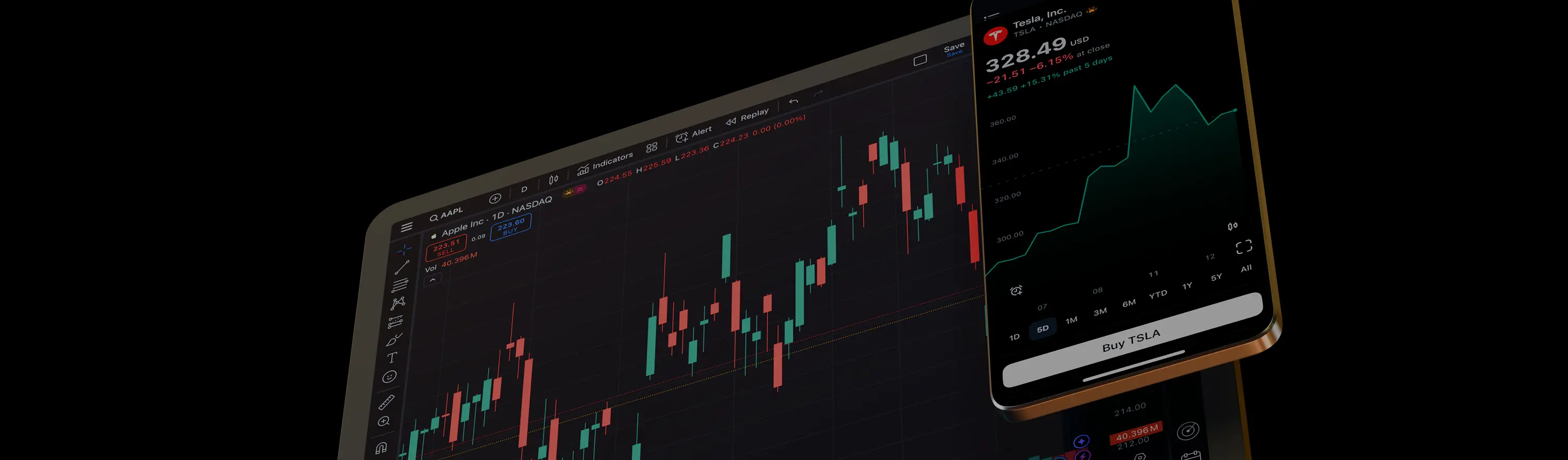
TradingView platform

TradingView

Combine advanced charts of TradingView with Xantex's world-class trading conditions.

100M+
Users Worldwide
100+
Chart Types
Pine Script
Custom Indicators
Live Trading
Directly from Charts
Platform Features

Why Traders Choose TradingView + Xantex

TradingView's industry-leading charts connected directly to Xantex execution — the best of both worlds in one seamless setup.

World-Class Charts
TradingView's charts are the gold standard — 100+ chart types, 12 chart layouts, and more indicators than any other platform.
Pine Script
Write your own indicators and strategies in Pine Script, or use thousands of community-built scripts — all for free.
Social Community
Follow top traders, share ideas, get analysis from 100M+ members — the world's largest trading community at your fingertips.
Direct Broker Connection
Connect your Xantex account directly in TradingView and execute live trades without switching tabs or applications.
Get Connected

How to Connect Your Xantex Account

Four simple steps and you'll be trading live from TradingView charts.

1
Open a Xantex Account
Register at Xantex Global Markets — takes 5 minutes with full digital KYC verification.
2
Go to TradingView.com
Open TradingView in your browser, navigate to the Trading Panel and search for Xantex in the broker list.
3
Enter Your Xantex Credentials
Log in with your Xantex username and password directly within TradingView — your account links instantly.
4
Trade Directly from Charts
Place and manage live orders right from TradingView charts — buy, sell, set stops and take-profits without leaving the chart.

Connect TradingView to Xantex

The world's best charts, connected to award-winning execution. Open your account and get started today.

Connect TradingView Open Xantex Account